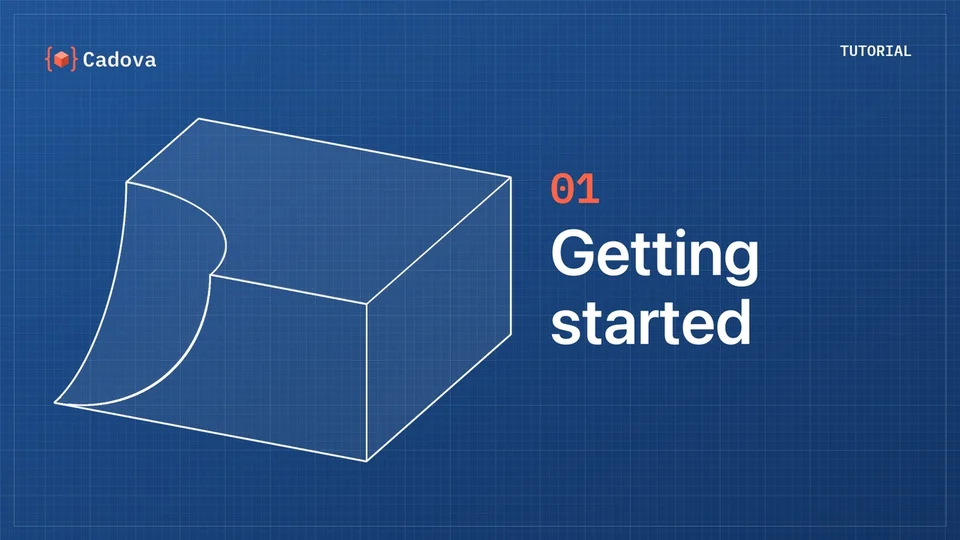
Episode 01 · 2:32
Getting started
What Cadova is, what you need to use it, and your first model: from the project template to a 3MF file open in Cadova Viewer.
// tutorials
From your first model to paths, lofts and sweeps, each in about two minutes. Start at the beginning, or jump to the topic you need: every episode has chapters. The code from every episode is one Swift package you can clone and run.
Episode 01 · 2:32
What Cadova is, what you need to use it, and your first model: from the project template to a 3MF file open in Cadova Viewer.
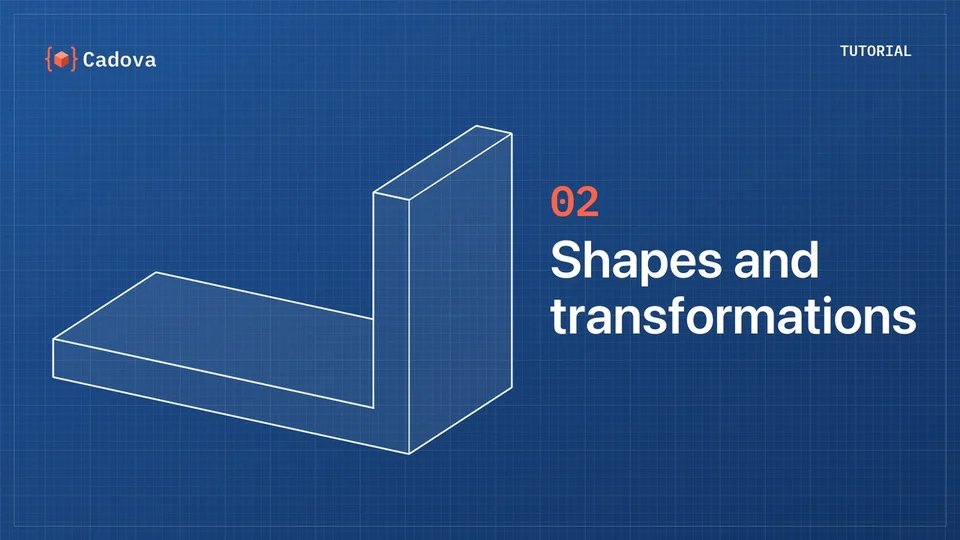
Episode 02 · 2:36
Cadova's basic shapes, and moving, rotating and aligning them. We build a bracket from two boxes, with its sizes defined in one place.
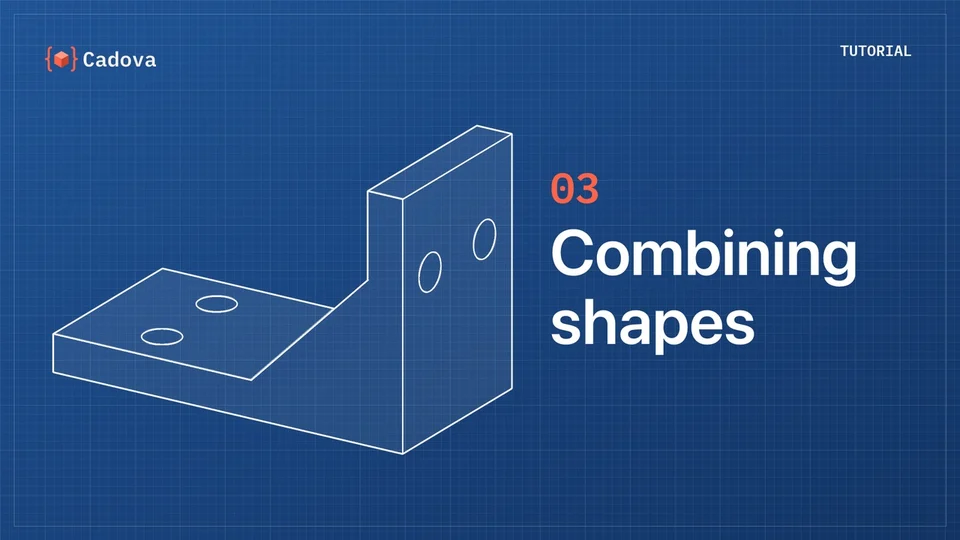
Episode 03 · 2:02
Adding, subtracting and intersecting shapes, and repeating them. The bracket gets mounting holes and ribs.
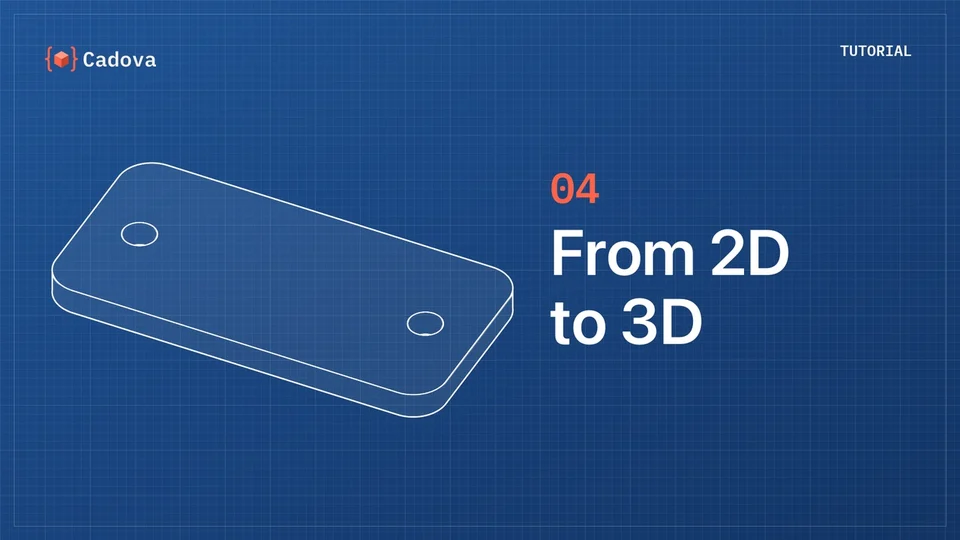
Episode 04 · 1:39
Drawing outlines in 2D and turning them into solids: a mounting plate, a rib drawn as a polygon, and a revolved cup.
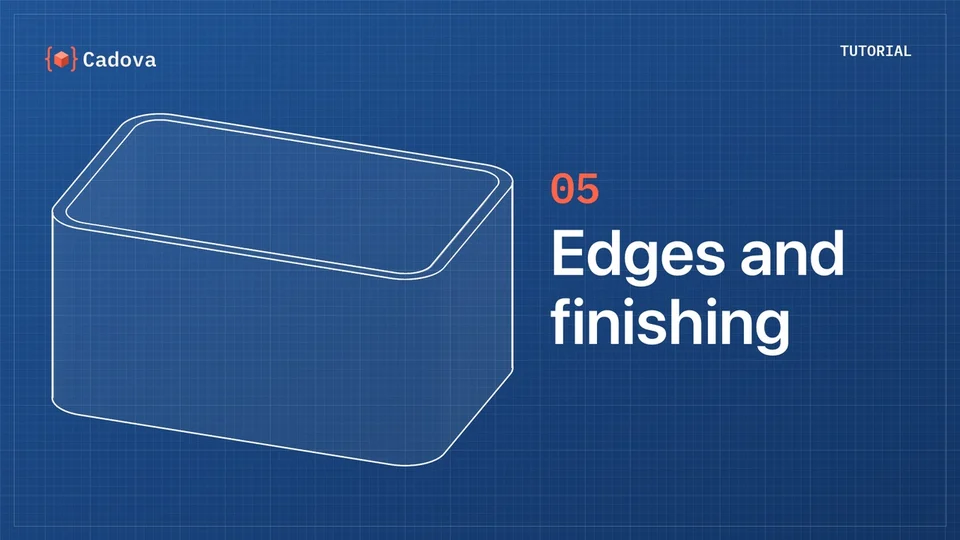
Episode 05 · 1:47
Rounded outlines, fillets and chamfers, edge queries and hollowing, while we build a storage box.
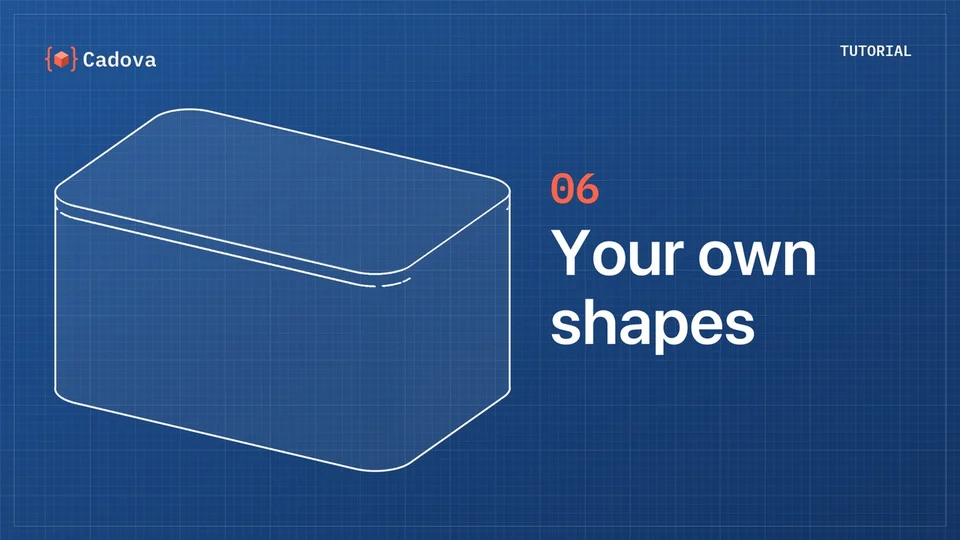
Episode 06 · 1:38
Defining your own shape types, with parameters and defaults: a storage box and a lid that fits it, using the tolerance from the environment.
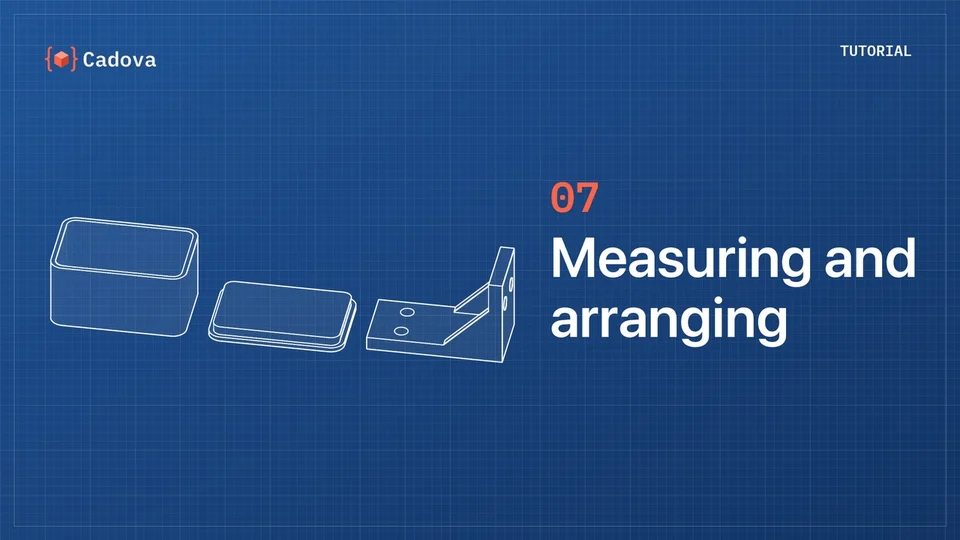
Episode 07 · 1:22
Measuring bounds, volume and the center of mass, and laying parts out with Stack. A stand is sized to fit the bracket, and three parts are arranged on a print plate.
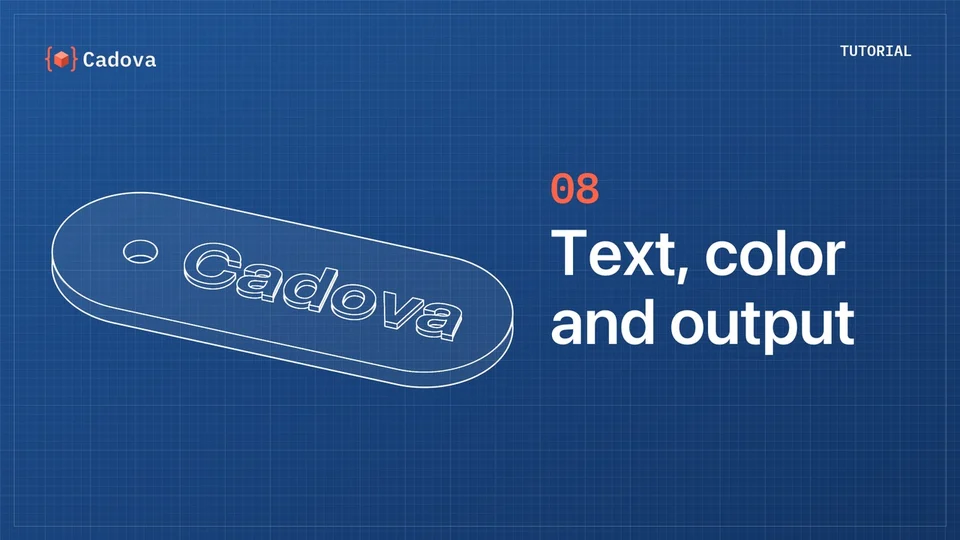
Episode 08 · 1:25
Text as a 2D shape, colors that go into the 3MF file, and parts for multi-color printing, while we make a name tag.
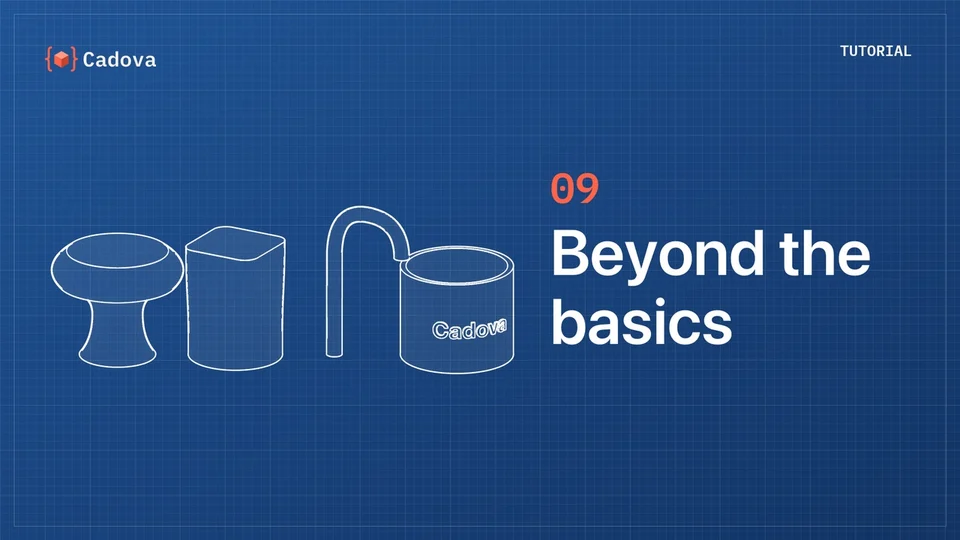
Episode 09 · 1:33
A short tour of more advanced tools: smooth paths, lofts, sweeps, splitting, and wrapping text around a cylinder.