Combine shapes
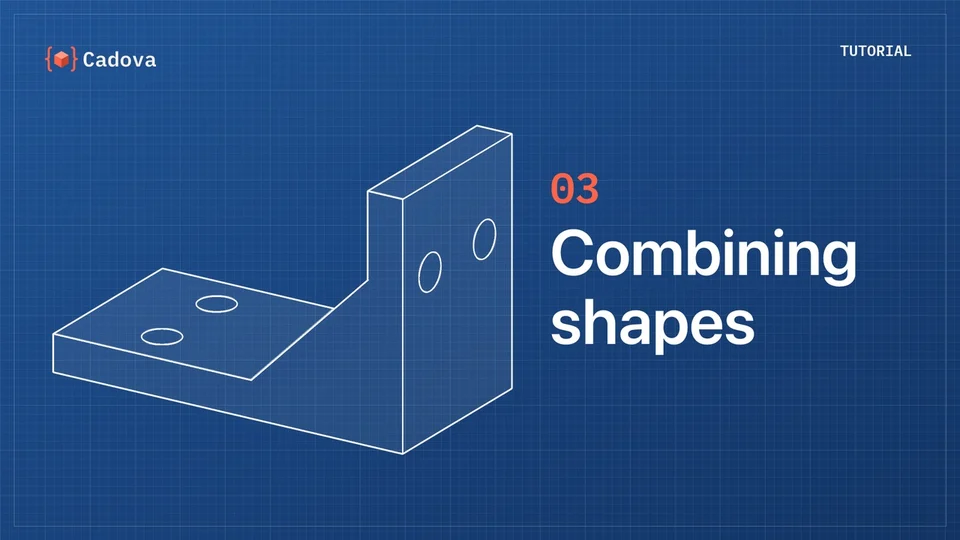
Add, subtract and intersect solids the way you think about them.
.subtracting { … }
import Cadova
Cadova is a Swift library for building precise, parametric 3D models in code, with a focus on 3D printing. Your models are plain Swift: easy to version, reuse and extend, and as expressive as the language itself.
// try it
Every shape in Cadova is a value you can compute with. Drag the orange numbers, or click one and use the arrow keys. Each variant below was built by Cadova from this exact code.
1import Cadova
2
3await Model("vase") {
4    RegularPolygon(sideCount: 6, circumradius: 22)
5        .rounded(radius: 5)
6        .extruded(height: 70, twist: 120°)
7        .colored(.tomato)
8}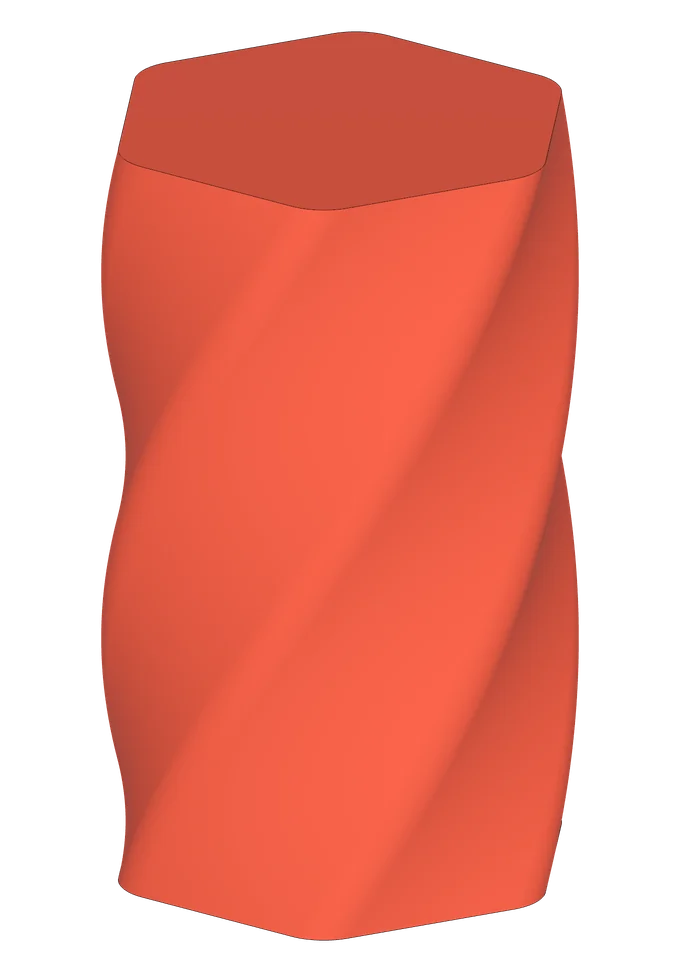
// built with cadova
The same few ideas scale from a single part to complete projects. Every model here is Cadova code, several of them open source.

Spur, helical, bevel and planetary gears that mesh exactly, with Engage.
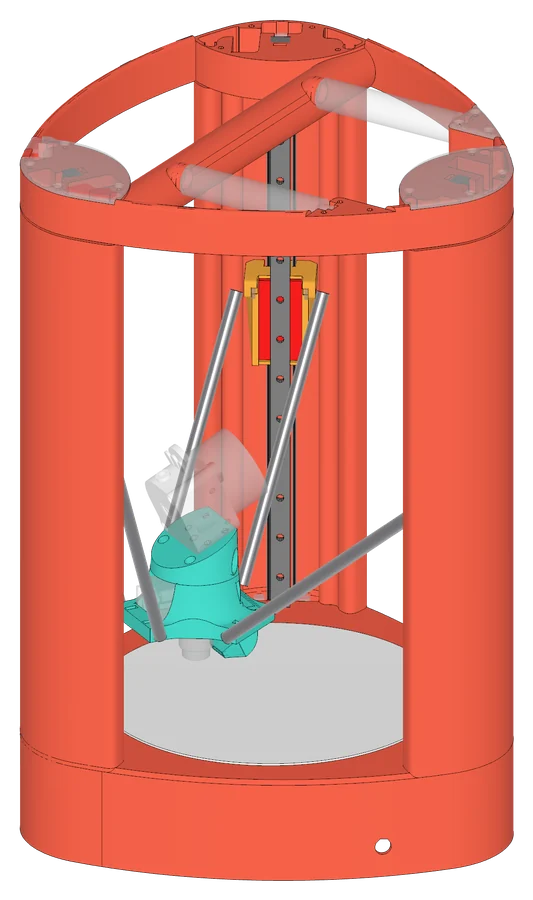
Frame, carriages, effector and covers: a complete printer, all in Swift.
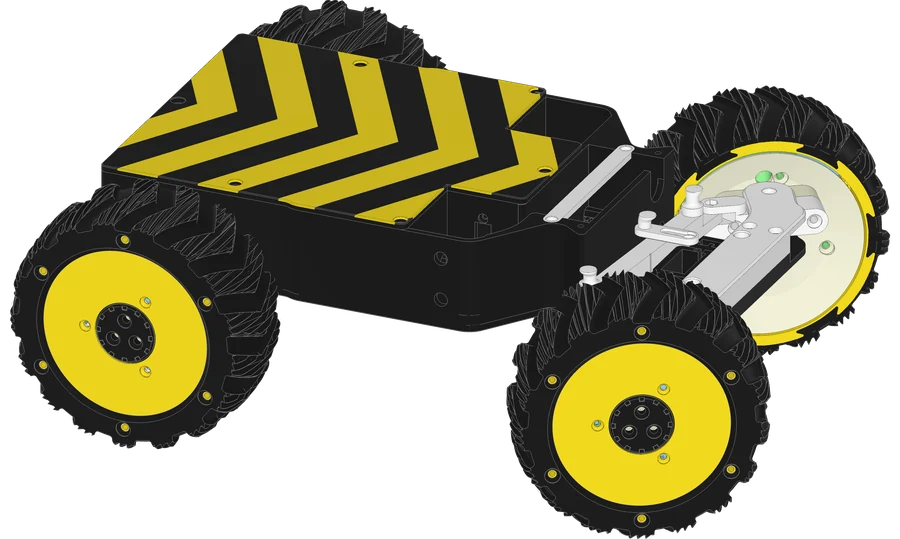
Chassis, steering geometry and in-wheel planetary hub motors.
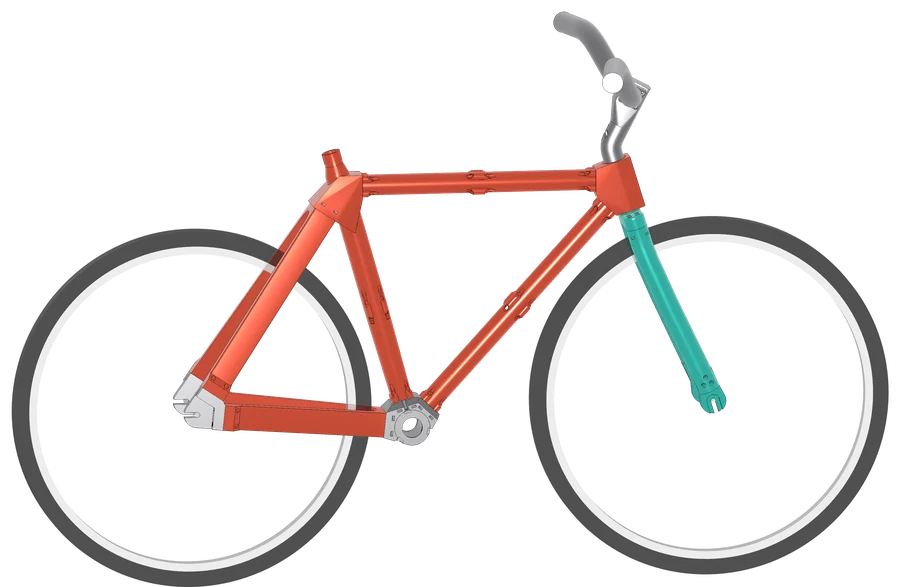
Tubes, lugs and dropouts placed from a single geometry configuration.
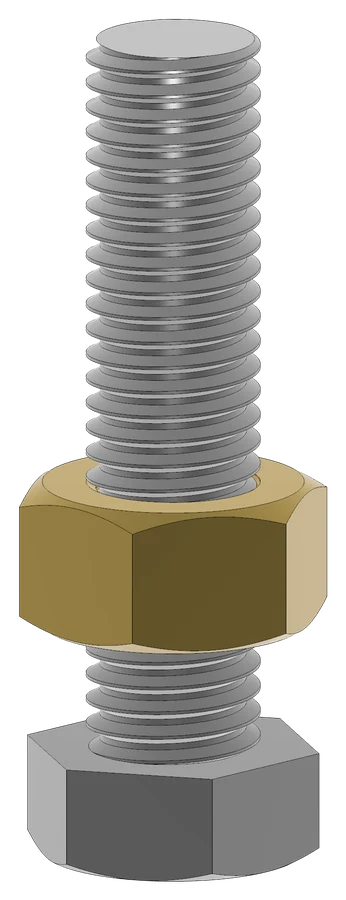
Real threads, bolts, nuts and threaded holes, with Helical.
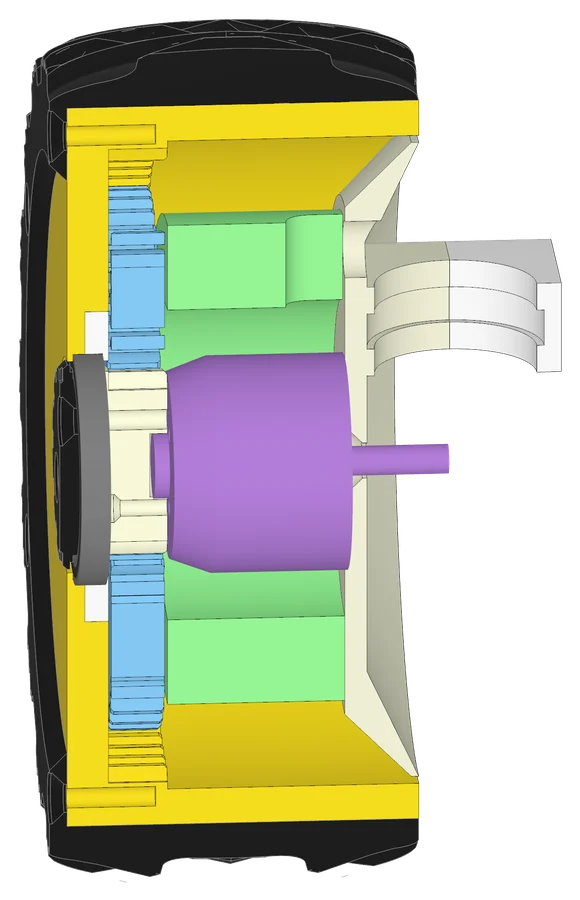
Slice into any model with Cadova Viewer’s interactive cross-sections.
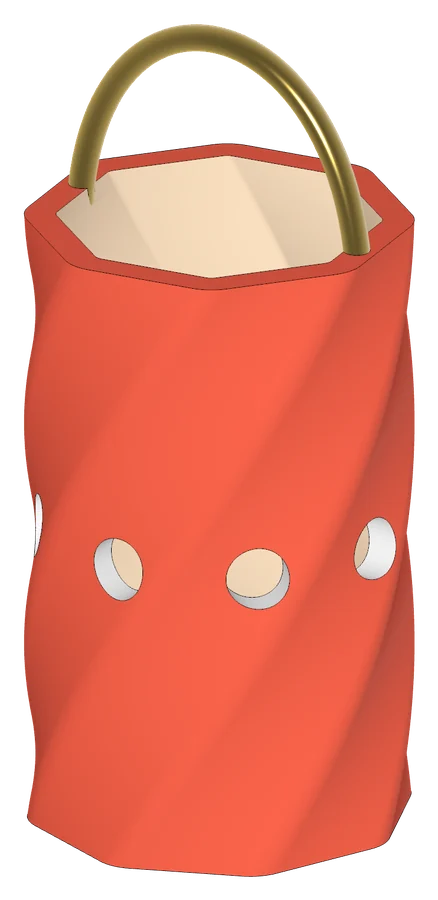
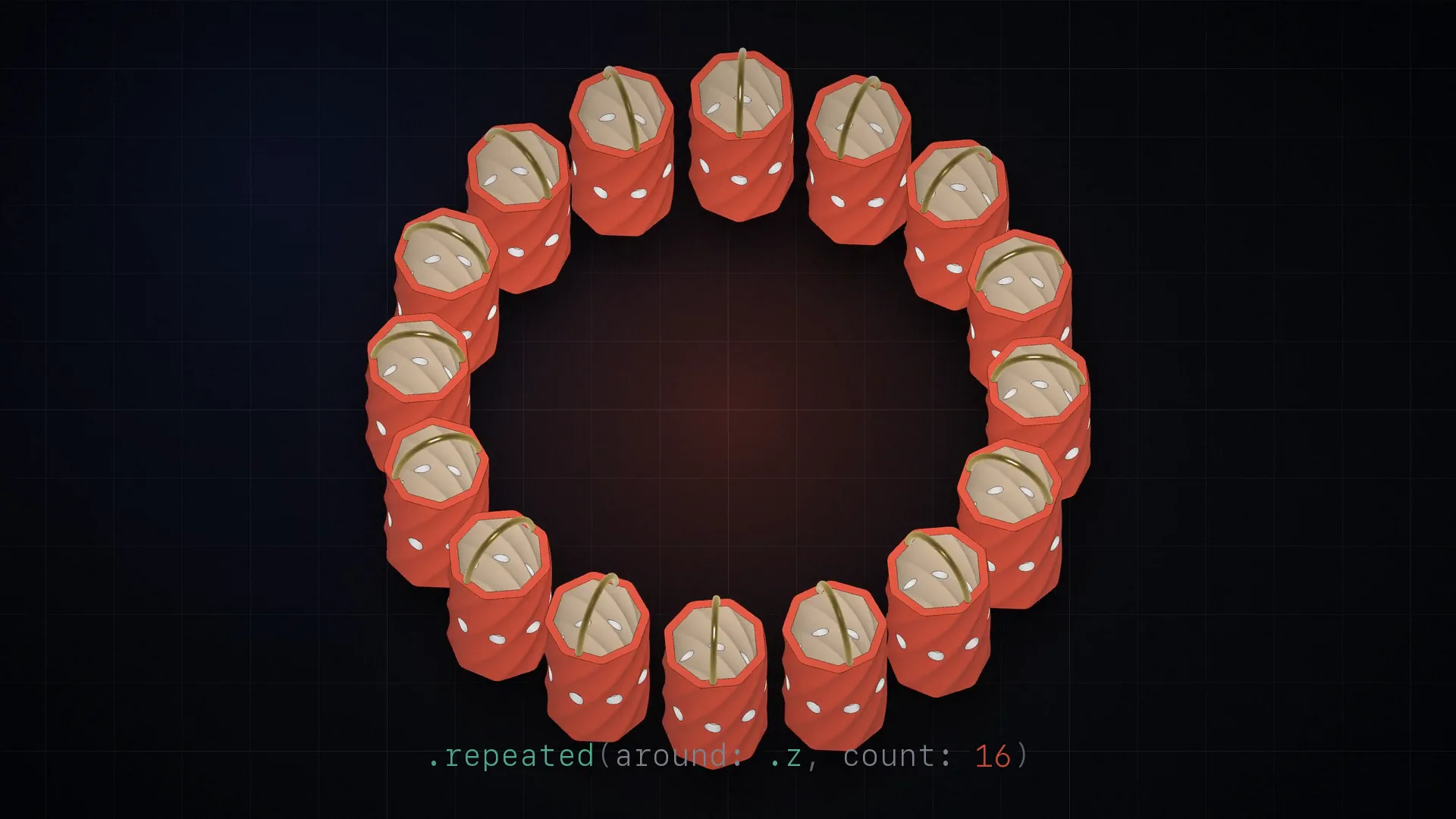
Hollowed with offset, pierced with repeated, and given a swept handle.
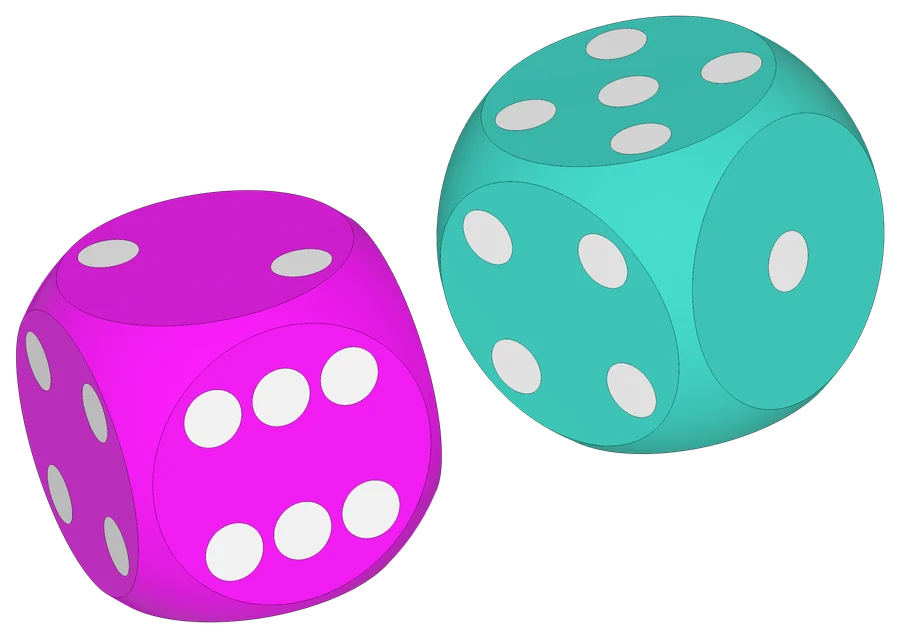
A two-player game, ready to print, with pips in a second color.
// the toolbox
Add, subtract and intersect solids the way you think about them.
.subtracting { … }
Round, offset and trim profiles, then extrude, twist or revolve them.
.extruded(height: 70, twist: 120°)
Sweep a profile along a Bézier path, or blend between cross-sections.
.swept(along: path, …)
Fillet and chamfer edges, and keep holes printable without supports.
.shapingEdges(.fillet(radius: 2), …)
Export 3MF with separate parts and colors, straight into your slicer.
.withMaterial(.brass)
Write and build models on macOS, Linux and Windows.
swift run

// see it instantly
A native macOS viewer for 3MF that reloads the moment your model is regenerated. Slice it with cross-sections, measure it, and look at it from several angles at once.
Download for macOS// learn
A tutorial series from your first model to paths, lofts and sweeps, each episode about two minutes long. The code from every episode is on GitHub, ready to run.
// get started
.package(
    url: "https://github.com/tomasf/Cadova.git",
    from: "1.0.0"
)import Cadova
await Model("gizmo") {
Box([10, 10, 5])
.subtracting {
Sphere(diameter: 10)
.translated(z: 5)
}
}$ swift runOpen Models/gizmo.3mf in Cadova Viewer or your slicer. Edit, save, run again, and watch it update.